
In a world where digital payments are everywhere, having convenient options matters. For many, the PayPal Mastercard presents an interesting blend of online and offline spending power.
If you’ve ever considered using one, but perhaps felt uncertain about the steps or the real benefits, you’re in the right place.


This article is designed for those who want to boost their financial flexibility with a secure card, manage spending more easily, or simply keep online purchases a little safer.
We’ll overview what the PayPal Mastercard is, how the application process works, and what to keep in mind before getting started. Along the way, practical insights and tips will keep things feeling approachable, not overwhelming.
Why the PayPal Mastercard Appeals to Many?
It’s not just another card. The PayPal Mastercard offers several appealing advantages that support today’s mobile lifestyle. A few features really stand out for everyday users, especially those who shop or get paid online.
Integrated with Your PayPal Account
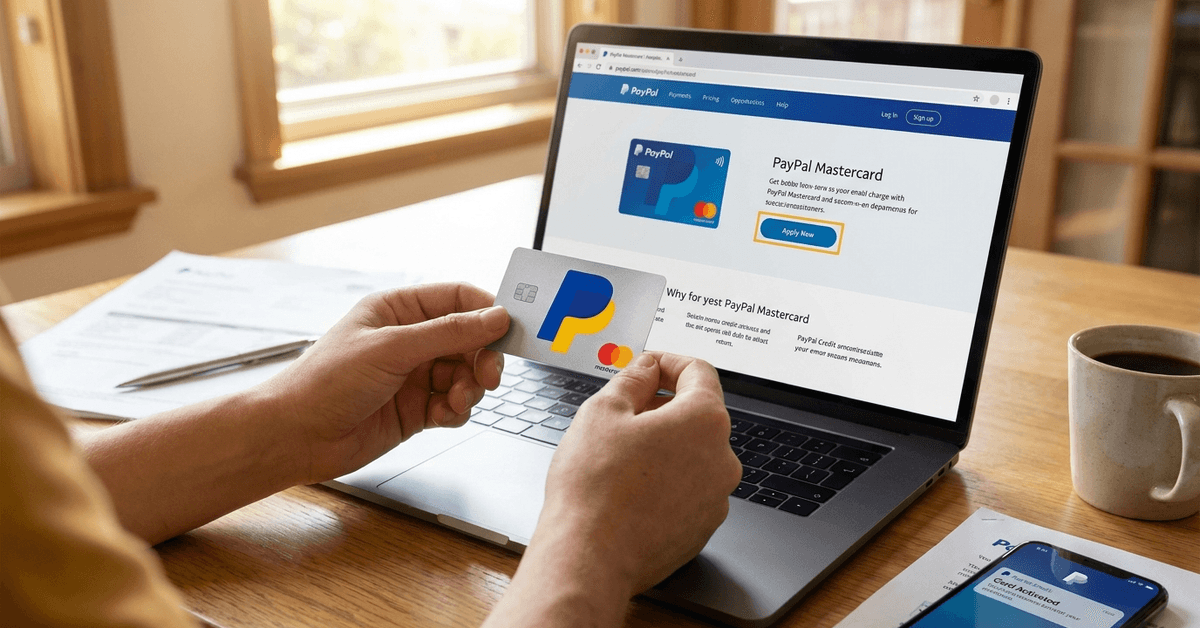
One notable advantage is direct integration with your PayPal balance. This lets you access funds immediately and spend both online and anywhere Mastercard is accepted. No transfer delays—just a continuous connection.
Widespread Acceptance
Whether shopping in-store or online, the Mastercard logo unlocks millions of locations. For those whose shopping habits cross between digital and brick-and-mortar shops, this flexibility is worth considering.
Potential Rewards and Perks
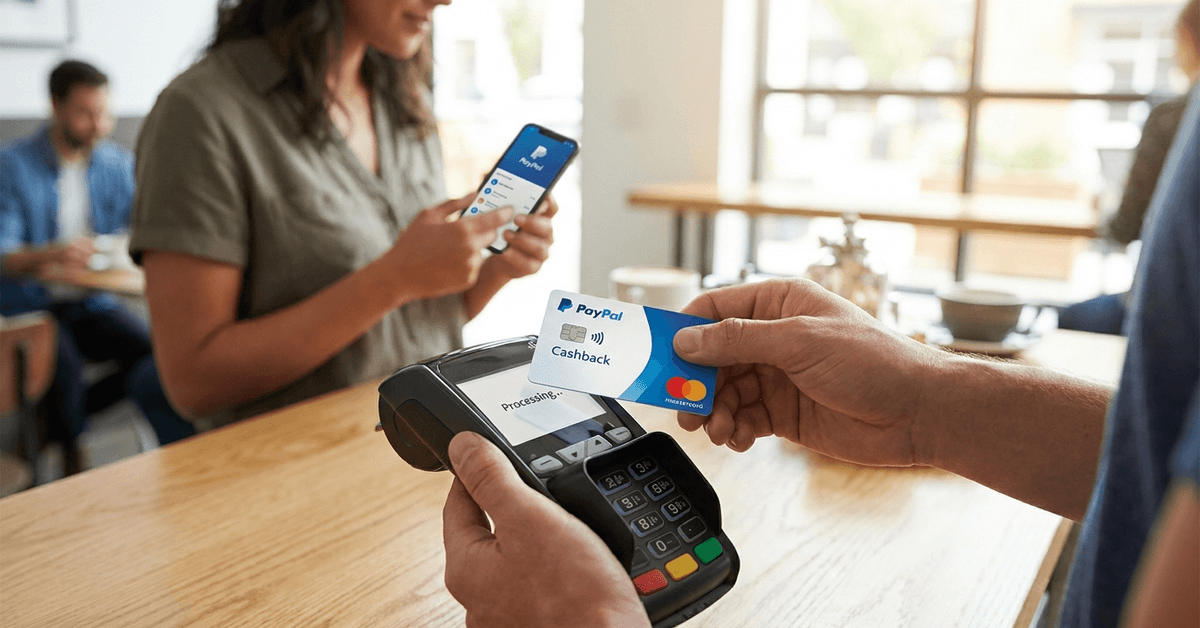
Some versions of the PayPal Mastercard come with reward programs, like cash back on certain purchases. While offers change over time, many users have found these bonuses helpful—maybe even a small way of making routine spending more rewarding.
Security and Peace of Mind
PayPal is often associated with secure online transactions. The card typically offers zero fraud liability, and purchases show up quickly in your PayPal activity, making it easier to spot anything unusual. This can be reassuring, especially given the occasional news about digital payment scams.
Types of PayPal Mastercard Cards Explained
Two main versions exist, and choosing the right one can have a noticeable impact on your experience.
PayPal Cashback Mastercard
This card offers cashback on eligible purchases. If rewards play a big part in your spending decisions, checking the latest cashback percentages and bonus programs could be worthwhile.
PayPal Extras Mastercard
While it used to be more widely available, the Extras card focuses on point-based rewards. New applicants may find this card has become harder to access, but existing users often retain legacy perks.
What About the PayPal Prepaid Mastercard?
For those who want strict control over spending without traditional credit options, the prepaid PayPal Mastercard is also available. It functions differently and usually requires a separate application process.
Eligibility and What’s Needed to Apply
The application itself can be completed online without much hassle, but knowing what’s typically required saves time and reduces uncertainty.
- A valid, verified PayPal account
- Personal identifying information: name, address, social security or tax ID, phone number
- Good to excellent credit (for credit versions; the prepaid card does not require a credit check)
- U.S. residency for most PayPal Mastercard versions
Some of this seems straightforward, but the credit check catches some applicants off guard. If you’ve had credit challenges in the past, it’s possible the application may not be approved on the first try.
How to Apply for a PayPal Mastercard Online – Step-by-Step
Although every application journey varies, the general process tends to follow these steps. Even with some small changes in layout or terminology, the core process remains the same, year after year.
Step 1: Log Into Your PayPal Account
Starting with your online PayPal dashboard, look for the "PayPal Mastercard" banner or explore the cards section. This ensures your application links with your main account.
Step 2: Review Available Card Offers
Depending on your location and eligibility, one or more card options might be displayed. Spend a moment to compare rewards, fees, and any introductory offers—sometimes, a few extra minutes pays off long term.
Step 3: Complete the Online Application Form
This requires entering personal details, verifying your mailing address, and providing consent for a credit check (unless it’s the prepaid version). Double-check everything before submitting to avoid processing delays.
Step 4: Submit and Wait for Decision
Many people get an instant response, but there are exceptions. If additional verification is needed, keep an eye on your email (and perhaps your spam folder, just in case).
Step 5: Activation and Linking
If approved, your physical card will arrive by mail. Your digital card details may be accessible instantly for online purchases. Activation is usually done easily through your PayPal dashboard or by following the enclosed instructions.
Tips for a Smooth Application Experience
There’s nothing worse than unexpected obstacles after hitting “submit.” While not every pitfall is avoidable, some tips tend to help:
- Keep your PayPal account information up-to-date and verified
- Check your credit status in advance (using a free report or credit monitoring tool)
- Review terms and fees for each version before deciding—it’s easy to get excited and overlook small details that might matter later
- Be patient if processing takes longer than expected; sometimes manual review is required
For those still feeling uncertain about eligibility, official PayPal help centers or FAQ pages offer reassurance. It isn’t unusual to have a few questions that aren’t answered during the application flow.
Understanding Rewards, Limits, and Fees
Since card offers sometimes shift, it’s wise to read the latest fine print. Still, a few common features almost always apply:
Reward Tiers
Some users claim the PayPal Cashback Mastercard remains competitive, with steady reward accrual rates suitable for frequent online buyers. Yet, changes can happen with little notice.
Spending Limits
Initial credit limits may start conservatively and then adjust over time with responsible usage. For prepaid cardholders, loading limits can restrict flexibility—but also make budgeting easier.
Annual Fees
Some card versions have no annual fee. Others might, based on credit history or specific versions. Always verify fee structures before finalizing your choice.
For the curious, cross-comparing with other online bank cards could be instructive. Examining forums or independent reviews might help reveal the kinds of perks or headaches others have encountered.
Security, Privacy, and Responsible Usage
Digital safety is on a lot of people’s minds these days. Using a PayPal Mastercard offers some natural protections, but mindful habits make a difference.
- Use account notifications and regular monitoring to spot unusual transactions right away
- Always confirm details before clicking on emails claiming to be from PayPal; phishing attacks remain common
- If your card is lost or stolen, report it immediately through your PayPal account or the official support channels
It’s tempting to think card fraud or issues won’t happen, but most users eventually encounter something unexpected, even if minor.
Legal and Tax Considerations
While holding a PayPal Mastercard isn’t complicated legally, keeping up with rules makes life smoother, especially for businesses or freelancers.
Reporting Income
If you use PayPal for business, card transactions can cross into taxable territory. Consider consulting a tax professional for up-to-date advice or reviewing resources on the IRS website.
Account Disputes
Disputes are, unfortunately, a reality. Most issues resolve through PayPal’s resolution processes, but timelines vary. Document communication, just in case long-term follow-up becomes necessary. More often than not, a calm, clear approach works best.
Comparing PayPal Mastercard with Alternative Options
Is it the best card for everyone? Not necessarily. Some people find dedicated rewards cards or digital wallets better suit their habits. If travel perks, premium insurance, or airline miles are priorities, a different card might be a better fit.
For daily spending with tight integration to a PayPal account, though, the convenience and security can outweigh more specialized benefits. Honestly, it’s a bit subjective—which is what keeps these products evolving year after year.
Final Thoughts on PayPal Mastercard
The PayPal Mastercard can be useful for users who want flexible spending tied closely to their PayPal account. Its value comes from online convenience, Mastercard acceptance, possible rewards, and quick transaction tracking.
Applicants should review eligibility, fees, credit requirements, security settings, and card type before applying. Used responsibly, it can support safer digital payments and more organized everyday spending.