

If you want a modern card you can control from your phone, the Bunq Credit Card is built for that job. It is designed for people who are new to cards, and who want predictable costs and strong controls.
Bunq Credit Card is described by bunq as having no interest fees and no annual card charges, which removes two common pain points for new users.



You mainly pay for your bunq plan, plus certain usage fees like ATM withdrawals and some top ups. This guide covers features, costs, application prep, application steps, and support.
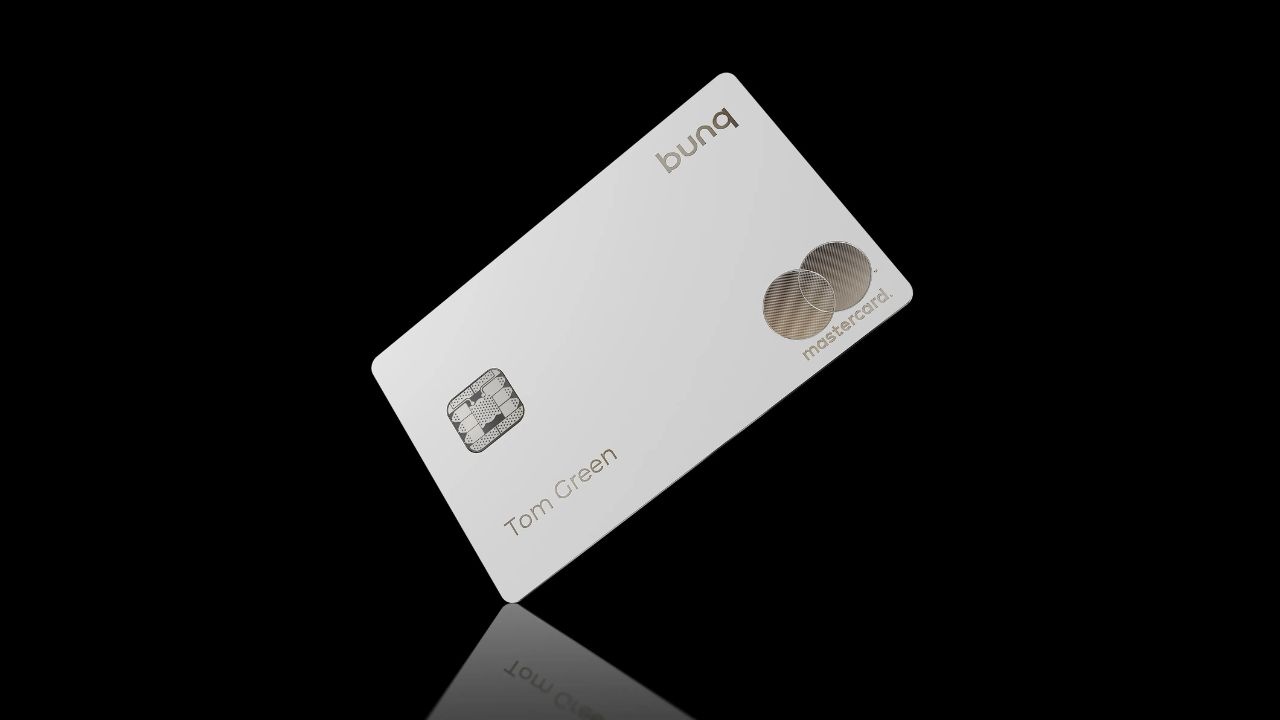
How the Bunq Credit Card Really Works for Beginners
Before you apply, you need to understand what bunq means by “credit card” and how spending works.
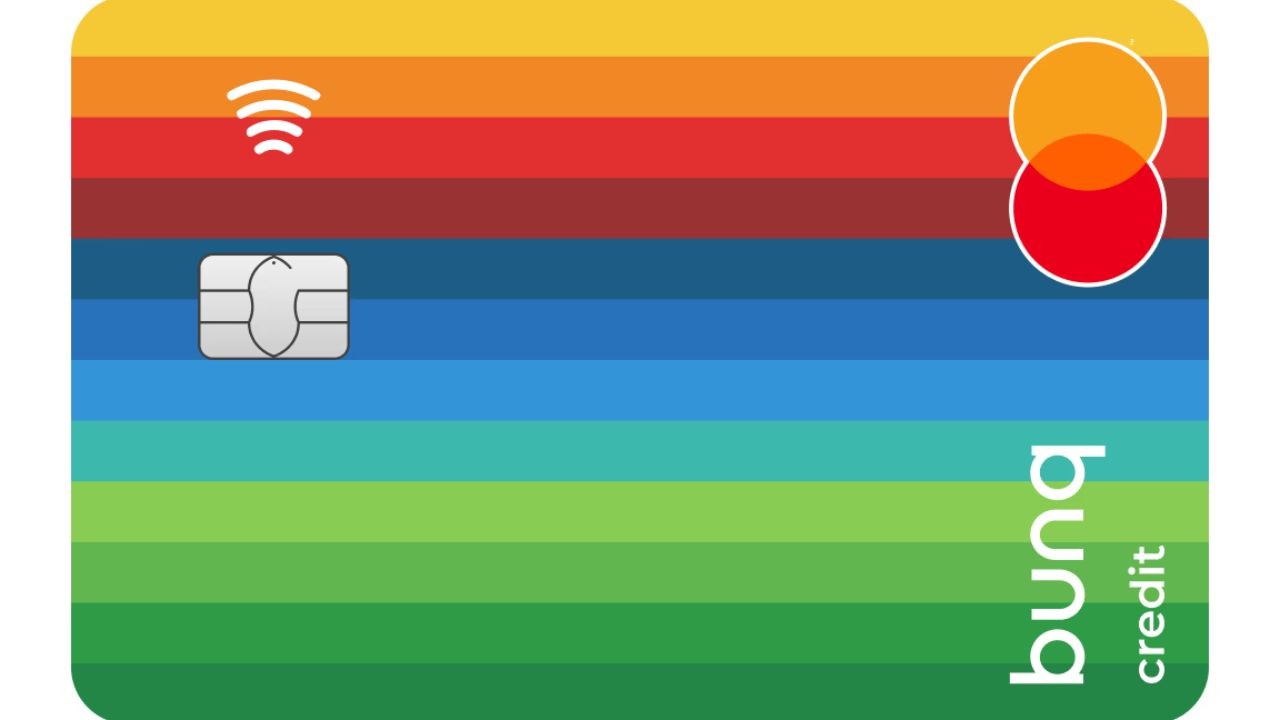
bunq positions its credit card as an official credit card but built to reduce debt risk. The key difference is that you add money first, then you spend from that balance. This setup can be easier for first time users who want strict control.
Is It a Credit Card or a Top Up Card
The bunq Credit Card is treated like a credit card for acceptance, but your spending is balance based. That means there is no revolving credit line to pay later.
Because you are not borrowing for purchases, bunq promotes “no interest fees or annual charges” for the card itself. Your real recurring cost is usually your plan fee, not card interest.
How Funding and In App Controls Keep You Safe
Funding comes down to topping up and then controlling how the card behaves. bunq shows a top up fee of 0.5% for EEA cards, or 2.5% for non EEA cards, with the first €500 free per month.
That matters if you plan to fund your account frequently by card instead of bank transfer. Once funded, you can rely on in app controls to reduce risk and manage spending.
Top Bunq Credit Card Features You Will Actually Use
If you are new, features only matter if they save time or prevent mistakes. bunq focuses on app control, fast setup, and travel friendly spending tools.
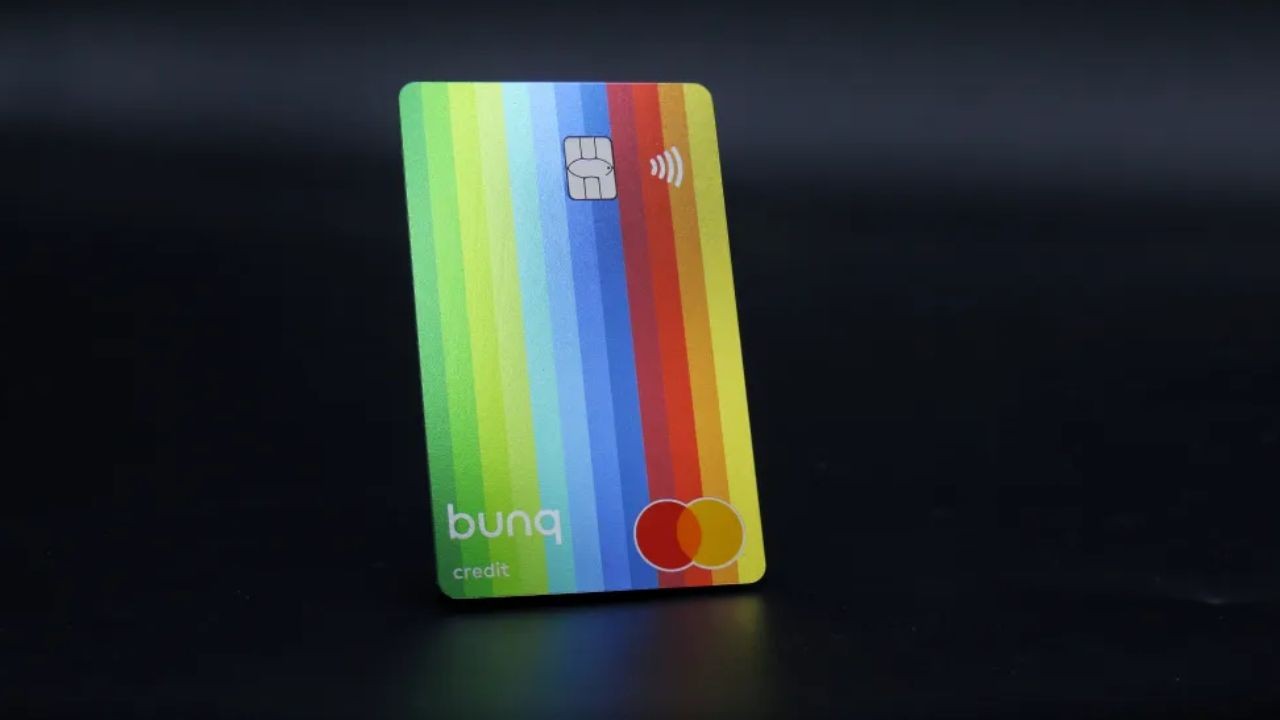
The goal is to remove friction, especially for online payments and mobile wallet use. You should judge these features based on how you shop, travel, and budget. Here are the 5 features that tend to matter most.
Set It Up Fast and Pay Today
bunq pushes a fast onboarding flow so you can start quickly. Their guidance for opening an account highlights choosing a plan, entering details, and completing identity checks in app.
Verification typically includes scanning an ID document and taking a selfie, following on screen steps. If you do it cleanly the first time, you reduce delays and get access sooner.
Tap to Pay with Apple Pay and Google Pay
Mobile wallet support is a core convenience feature for new users. bunq lists Apple Pay and Google Pay support as included across plans in its pricing materials. That lets you pay in store using your phone, even before you rely on a physical card daily.
If you want fast checkout and fewer card handling risks, this is a practical win. It also makes budgeting easier because your payments stay in one app flow.
Freeze, Unfreeze, and Control Limits in Seconds
Control features matter most when something feels off. bunq is designed around in app card management so you can react quickly. If you misplace a card, you can freeze it, then unfreeze it after you find it.
This reduces panic and lowers your exposure window compared with slow support processes. For new users, it is a simple safety habit worth using.
Save on Currency Exchange with ZeroFX Allowance
If you travel or buy online in other currencies, exchange costs add up fast. bunq’s ZeroFX feature is enabled by default, and limits depend on your plan.
Their Help Center notes that bunq Free users can make payments up to €1,000 per year under ZeroFX, while Core, Pro, and Elite users can make unlimited payments. If you expect frequent foreign purchases, plan choice can directly affect value.
Get Help Anytime with 24/7 Support
Support access matters most when you are locked out or your card is at risk. bunq states it is available 24/7/365 through different contact channels. For urgent card or account issues, bunq provides an emergency line at +31 20 808 3666.
New users should save that number and also rely on in app chat for normal questions. Fast access reduces downtime and stress.
Bunq Credit Card Costs Made Simple
Most beginners fear hidden fees, so you should separate card fees from plan fees. bunq says the card has no interest fees or annual charges, but your subscription plan can be monthly.

Then you have transaction based charges like top ups, cash withdrawals, and some foreign currency costs. The clean approach is to estimate your monthly behavior and match a plan to it.
Interest Rates and Why Bunq Says It Is Zero
With bunq, the “interest rate” question is mostly about whether you borrow money. bunq explains its credit card is designed to avoid debt risk, because you add money before spending.
That structure supports their claim of no interest fees for the card. If you want traditional revolving credit, this is not that product. For beginners, that can be a benefit because you do not carry card balance interest.
Monthly Plan Fees and What You Get at Each Level
Your main recurring cost is usually the plan subscription. bunq pricing shows bunq Free at €0, bunq Core at €3.99 per month, bunq Pro at €9.99 per month, and bunq Elite at €18.99 per month for personal users.
If you want more cards and more premium perks, you pay more monthly. If you mainly want basic card access, Free or Core can cover the basics.
ATM, Foreign Currency, and Extra Card Charges to Watch
Cash withdrawal costs depend on plan, so check them before you travel. bunq pricing shows Free users pay €2.99 per cash withdrawal, while Elite and Pro include 6 withdrawals per month free, then €0.99 for the next 5, then €2.99 thereafter.
Core includes 5 withdrawals per month free, then €0.99 for the next 5, then €2.99 thereafter. For foreign currency card payments, bunq shows a currency component, and Free can add a 1.5% fee after €1,000 per year.
What to Prepare Before You Apply
Preparation is what keeps your signup fast and smooth. bunq’s onboarding process relies on identity verification, so your documents must be valid and clear.
You should also plan how you will fund the account, since topping up can create fees depending on method. If you prepare the right items and avoid blurry scans, you reduce the odds of delays. This is the fastest way to start confidently as a beginner.
Documents That Speed Up Verification
bunq indicates you may be asked for an identification document such as an ID, passport, residence permit, or driver’s license. Verification flows typically involve scanning your document and taking a selfie as instructed.
In some cases, bunq may request proof of residence, such as a utility bill or rental agreement, based on their requirements.
Make sure documents are not expired and images are readable, since unclear uploads can slow approval. A clean submission saves time and frustration.
Phone Setup and Your First Top Up Plan
Your phone is your control center, so set it up like you will rely on it daily. Install the bunq app, enable notifications, and lock your device properly. Next, decide whether you will fund via bank transfer or card top up, because fees differ.
bunq lists top up fees of 0.5% for EEA cards or 2.5% for non EEA cards, with the first €500 free per month. For most beginners, fewer top ups with larger amounts can reduce fee exposure.
How to Apply, Then Get Help When You Need It
The application is designed to be done inside the app, without branch visits. You choose a plan, complete identity verification, and then activate your card access.

After approval, your real job is to use the controls and understand what triggers fees. You also need to know the fastest support channel when something breaks. That is what keeps the experience beginner friendly and predictable.
Step by Step Application Inside the bunq App
Start by downloading the bunq app and beginning signup with your personal details. Choose your plan, since your subscription affects fees and limits.
Complete identity verification by scanning your ID and following the selfie steps shown in the app.
Once approved, order or activate your card option and add funds before spending. bunq explains you must top up the Credit Mastercard before using it for payments, so plan your first funding method early.
Customer Support, Emergency Line, and HQ Address
If you need help, bunq directs users to contact options available around the clock. For urgent card or account issues, bunq lists an emergency line at +31 20 808 3666.
For official company location, bunq states its headquarters are at Basisweg 32, 1043 AP Amsterdam, the Netherlands, and that address is also reflected in official registration context.
Save the emergency number before you travel, since speed matters in fraud situations. Use in app chat for non urgent questions and account guidance.
Conclusion
If you are new to cards and want tighter control, the Bunq Credit Card is built around spending only what you load and managing everything in app.
bunq positions the card with no interest fees or annual charges for the card itself, while plan fees and transaction charges drive your real costs.
Note: There are risks involved when applying for and using credit. Consult the bank’s terms and conditions page for more information.