

If you want banking that stays simple, fast, and app-first, this is the right place to start. Lunar Digital Bank is a mobile bank that lets you open an account in the app, choose a plan, and manage money day to day with clear controls.
You can begin with a free option, then upgrade when you want higher interest or travel benefits. The personal setup focuses on accounts and a Visa debit card, not a revolving credit line.


This guide explains the main features, fees, what to prepare, how to apply, and where to get support.
What Lunar Digital Bank Actually Offers on Its Personal Platform
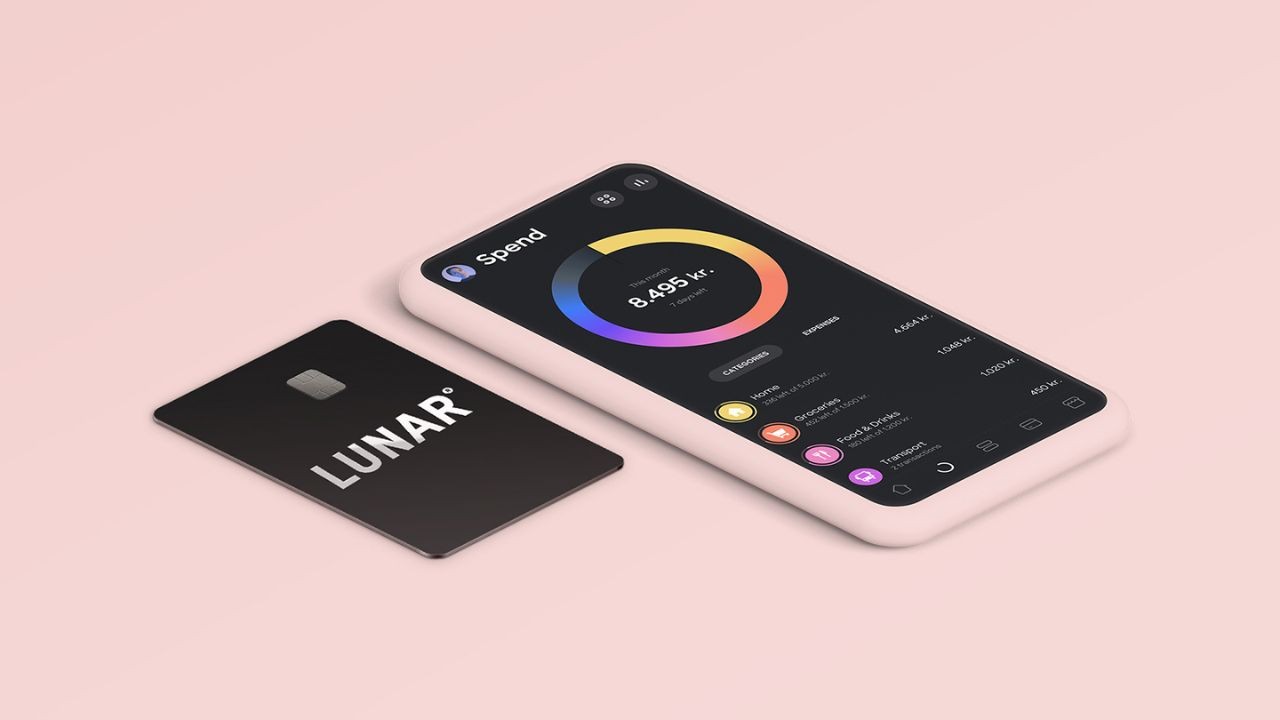
Start with what Lunar highlights on its personal page. You will see accounts, cards, positive interest, travel benefits, and investing tools.

You apply through the app and manage everything digitally, with no branches. That convenience is real, but you still must pick the right plan for your routine.
Once you understand the plan structure, every feature becomes easier to judge before you sign up.
Four Plans, One Simple Choice
Lunar offers four personal plans with clear monthly prices and limits today. Light costs 0 DKK per month and includes a free digital card. Standard costs 39 DKK per month and adds more accounts and tools.
Plus costs 79 DKK per month and targets travel benefits for frequent travelers. Unlimited costs 139 DKK per month and adds premium extras, including a metal card too.
Card Type: Debit First, Not a Traditional Credit Line
On the personal offer, Lunar’s main card is a Visa debit card. Purchases draw from your balance, which helps you avoid debt interest. Lunar also promotes a SAS EuroBonus debit card for earning rewards.
If you need business spending cards, Lunar has a separate business platform. Do not treat the personal card like revolving credit, because it is not presented that way.
Safety and Deposit Protection You Can Rely On
Lunar positions itself as a Danish bank with oversight. It states it has a banking license and is supervised by the Danish Financial Supervisory Authority. It also says deposits are covered by the Guarantee Fund up to 100,000 EUR, about 750,000 DKK.
For a new user, this reduces risk when moving salary and savings. You still need security and good habits.
Features That Make Lunar Digital Bank Easy to Start
Now judge Lunar by features you will use each week. The best beginner features improve control, reduce fees, and reward good habits.
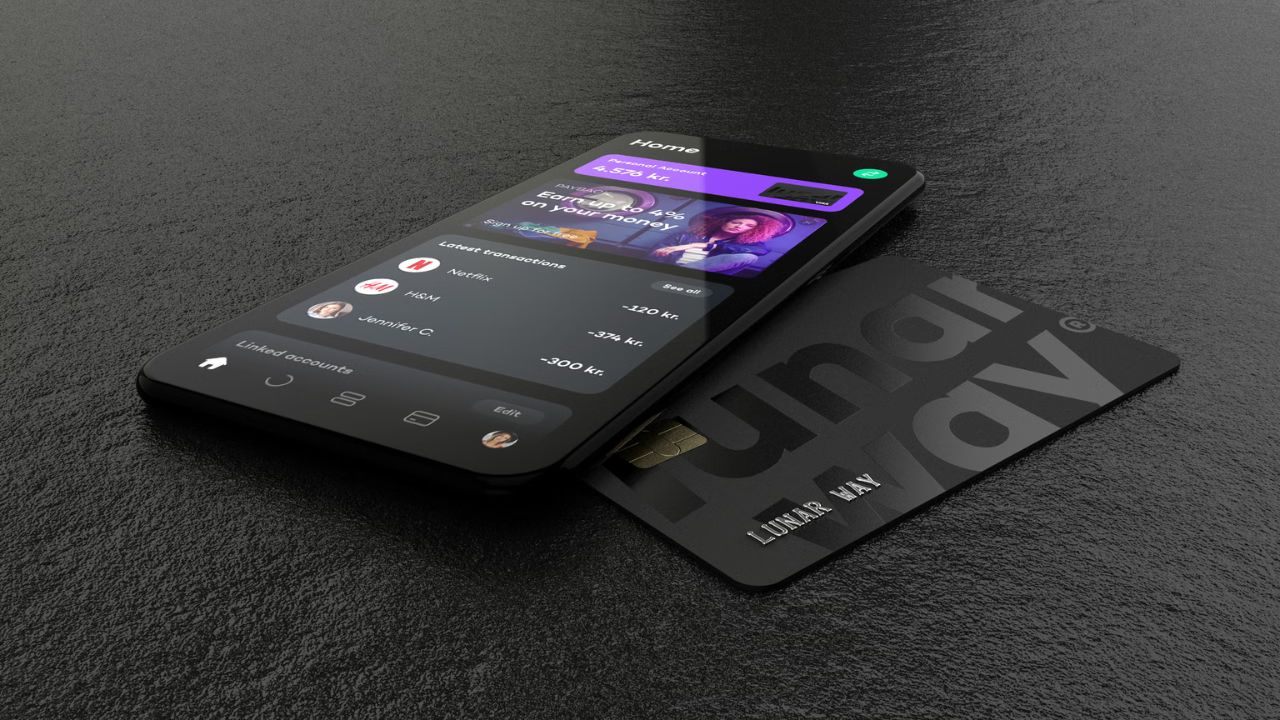
Lunar highlights free access, positive interest, budgeting tools, travel perks, and investing options.
These benefits vary by plan level, so match them to your routine and budget. Here are the top 5 features most new users notice first right away in practice.
Free Account and Digital Card for Low-Risk Testing
Start with the free plan because it lets you test the app without monthly commitment. You can open an account and get a digital card for online payments. This works well if you want to evaluate the interface, notifications, and spending overview first.
If you like the workflow, you can upgrade later for more accounts and premium benefits. This approach keeps the risk low while you learn.
Positive Interest That Pays Based on Your Plan
Another strong reason to consider Lunar is the interest offer tied to plan level. Lunar shows Standard with zero point two five percent up to 100,000 DKK. Plus is shown with zero point five percent on your entire balance.
Unlimited is shown with 1 percent on your balance. Rates are variable, so you should treat them as a moving benefit, not a guarantee.
Budgeting Tools That Reduce Money Stress
For beginners, budgeting tools can matter more than rewards or premium cards. Lunar highlights an overview, budget checks, and saving routines that help you see patterns faster.
This is useful when you have subscriptions, irregular spending, or travel costs that creep up.
The main win is catching overspending early and correcting it before the month ends. If you want structure, this feature supports better habits.
Travel Benefits That Cut Common Fees
If you travel, plan level can change your fee exposure. Lunar states Plus and Unlimited have no withdrawal or exchange fees from Lunar worldwide. It also highlights travel insurance from Tryg for Plus and Unlimited users.
This can reduce friction for foreign purchases and ATM use. Foreign banks or ATM owners may still charge their own fees, so keep a buffer and monitor transactions.
Optional Investing and Crypto Access in One App
Lunar also bundles optional investing tools into the same ecosystem. It promotes investing in stocks, funds, and ETFs with simple onboarding. It also offers crypto through Lunar Block and warns that crypto trading involves risk.
For beginners, this should be a controlled add-on, not your first financial priority. Start small, learn the basics, and scale only if your budget can handle volatility.
Fees, Interest Rates, Annual Cost, and Other Charges You Should Know
Costs decide whether a bank stays useful after the first month. Lunar uses monthly subscriptions, so there is no annual fee for the card.
Your baseline cost is the plan price, plus usage charges tied to behavior. Travel and third-party fees can still exist, even with fee-friendly plans. The goal is choosing the cheapest plan that fits your routine and protects your budget.
Plan Prices and Annualized Cost (So You Can Compare Easily)
Plan fees are easy to compare when you annualize them. Light is 0 DKK per month, so it is 0 DKK per year. Standard is 39 DKK per month, which totals 468 DKK per year.
Plus is 79 DKK per month, which totals 948 DKK per year. Unlimited is 139 DKK per month, which totals 1,668 DKK per year, as your base cost.
Interest Rates and the NemKonto Requirement
Interest depends on plan setup, so watch the limits closely. Lunar states Standard gives zero point two five percent interest up to 100,000 DKK. It also states Plus gives zero point five percent interest on your entire balance.
Unlimited is shown with 1 percent interest on your balance. Lunar notes interest is variable, calculated annually, paid monthly, and requires linking your NemKonto first.
Exchange, Withdrawal, and Third-Party Fees While Traveling
Exchange and cash withdrawal fees matter when you travel or withdraw often. Lunar states Plus and Unlimited have no withdrawal or exchange fees from Lunar.
That can reduce costs for foreign purchases and ATM use in many places. Lunar also notes foreign financial institutions may charge their own fees. Expect possible ATM owner fees and plan withdrawals, since travel fees can still happen.
Other Charges: Optional Products and Feature Costs
Other charges usually come from optional products you choose. Unlimited includes a metal card and benefits, which explains its higher price. Rewards options like the SAS EuroBonus debit card can have separate terms and eligibility.
Investing and crypto features may include commissions or spreads, plus market risk. Your best protection is using only what you understand and upgrading only when value beats cost.
How to Apply, What to Prepare, and Where to Get Help
If the features and costs fit, apply the right way in the app confidently. A smooth signup depends on preparing identity details and choosing the correct plan early.
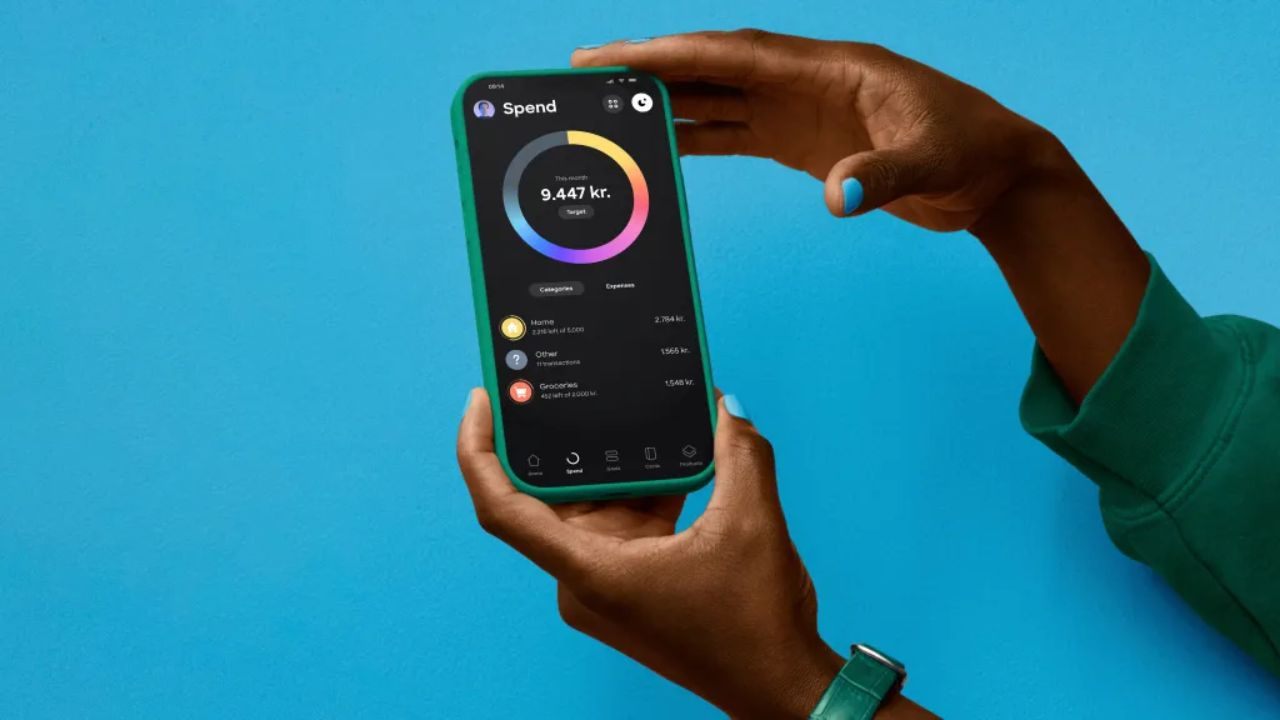
Because Lunar is digital, your phone becomes your branch, card wallet, and support channel. You also need clear expectations about the card type you receive. Here is what to prepare, how to apply, and how to reach Lunar for help now.
What to Prepare Before You Apply
Always prepare your ID, contact details, and phone security before you start today. Have a valid identity document ready fully and ensure your camera is clear. Use a phone number you control for verification messages.
Turn on a screen lock and keep your device updated, because it protects access well. If you want interest on deposits, plan to link your NemKonto as Lunar describes in-app.
Step-by-Step: How to Apply for a Lunar Digital Bank Account
To apply, download the Lunar app and start the signup flow. Enter your details carefully, then complete the identity verification steps. Choose your plan during signup so features match your needs from day one.
After approval, activate your digital card and add it to your mobile wallet. If your plan includes a physical card, order it in the app and enable instant notifications securely.
What to Do After Approval So You Get Value Fast
After approval, set habits that keep banking simple and secure often. Track spending daily for 7 days, then set realistic budget categories. If you travel, confirm whether your plan includes no exchange and withdrawal fees from Lunar.
If you want interest payments, complete the NemKonto link as required. Keep a small buffer to avoid failed payments, and review alerts weekly consistently monthly.
Customer Service Hotline and Main Office Location
Support matters when you need fast help. Lunar lists its main office as Hack Kampmanns Plads 10, 8000 Aarhus C. For support, use in-app chat for quick answers or email hello at lunar dot app.
Business customers can call +45 70 71 68 69 on weekdays. For card blocking, call NETS at +45 72 11 20 13 and save these numbers.
Conclusion
Lunar Digital Bank is a strong option if you want banking that stays simple. You can start free, learn the app, and upgrade only when benefits repay the price. Focus on monthly plan costs and interest rates by plan.
Prepare your ID, secure your phone, and link NemKonto for interest eligibility. Use the Visa debit setup to stay in control, then upgrade when it fits.
Note: There are risks involved when applying for and using credit. Consult the bank’s terms and conditions page for more information.